Seedance 2.0 vs Kling 3.0 vs Veo 3: Same Prompt, 5 Models, Raw Results
Kinova Team · April 2026
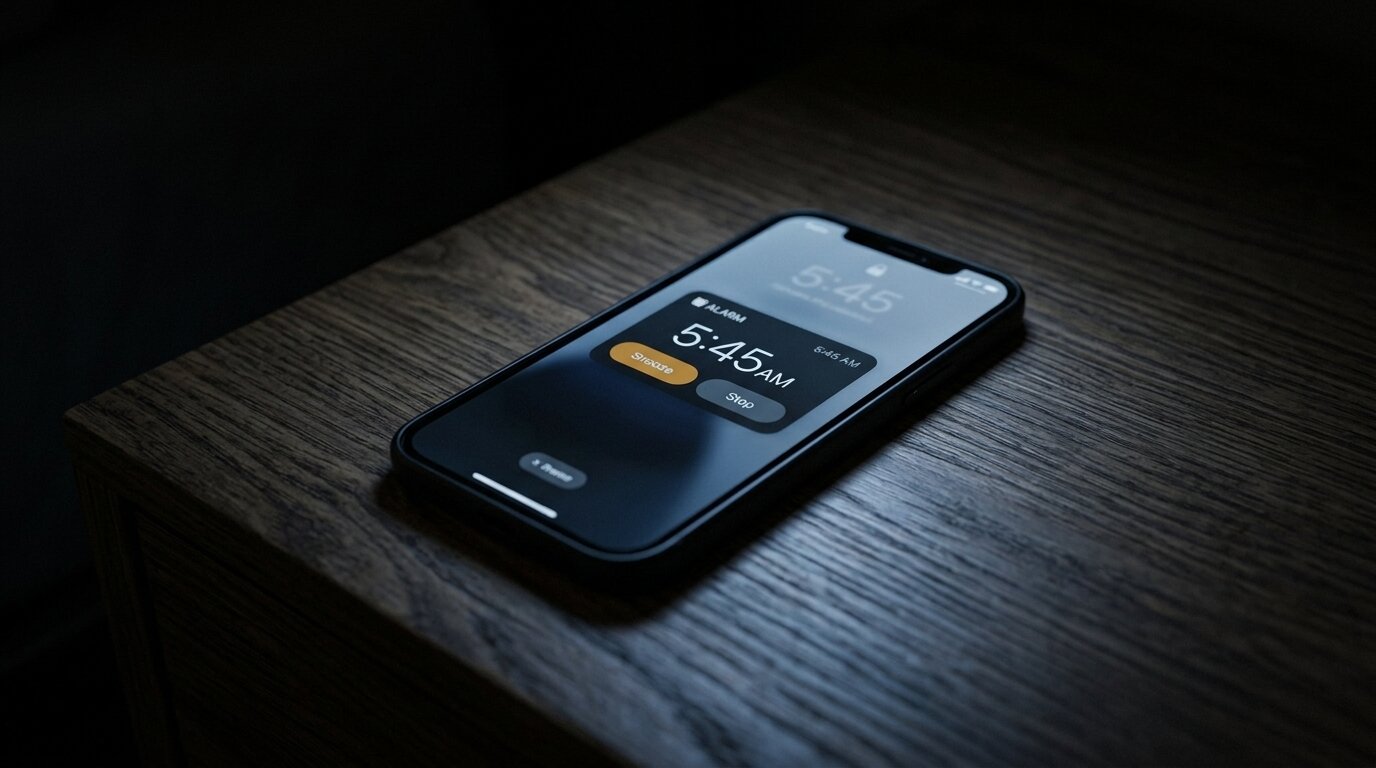
We ran the same prompt through five AI video model variants to see how they compare on a simple but revealing test.
The test
The scene: a phone alarm going off at 5:45 AM on a dark nightstand. We chose this because it tests several things at once: text legibility on screen, realistic lighting, surface reflections, and whether the phone behaves the way a real phone would.
Same prompt, same start frame, first generation for each model. No cherry-picking.
The results
Seedance 2.0 (6s, 720p, no audio)
The alarm text stays sharp and legible throughout. The phone UI behaves naturally. Lighting is consistent. This was the most realistic result overall.
Kling 3.0 (5s, 716p, no audio)
Solid result. The screen content is a bit softer than Seedance. Lighting and reflections are good. Slightly less crisp on the UI text detail.
Kling 3.0 Pro (5s, 1076p, no audio)
Higher resolution output. Similar behavior to the standard Kling 3.0. Text is sharper at the higher resolution but still not as legible as Seedance.
Veo 3 Fast (6s, 720p, with audio)
Includes generated audio. Visual quality is good. Text rendering is slightly softer. The phone behavior is not realistic.
Veo 3 Pro (6s, 720p, with audio)
Includes generated audio. Visual quality is good. Text rendering is slightly softer. The phone behavior is not realistic. The time on the clock jumps around unnaturally, and the text flickers between frames.
What stood out
Seedance 2.0 had the most natural phone behavior and the best text legibility. For content that includes screens, UI elements, or anything text-heavy, it's currently the strongest option.
Veo 3 Pro produces the most cinematic-looking output and includes native audio, but the unnatural clock behavior and text flickering would be a problem in final content.
Kling 3.0 delivers solid, reliable results. It's a safe pick when you don't need razor-sharp text detail.
The takeaway
Seedance wins for its stability and realistic phone behavior. That said, Kinova Studio gives you access to multiple models in the same workflow. Generate the same scene across different models, compare the results, and pick the best take.